Math
Solve problems your half-asleep brain can't fake.
wake up, not war up.
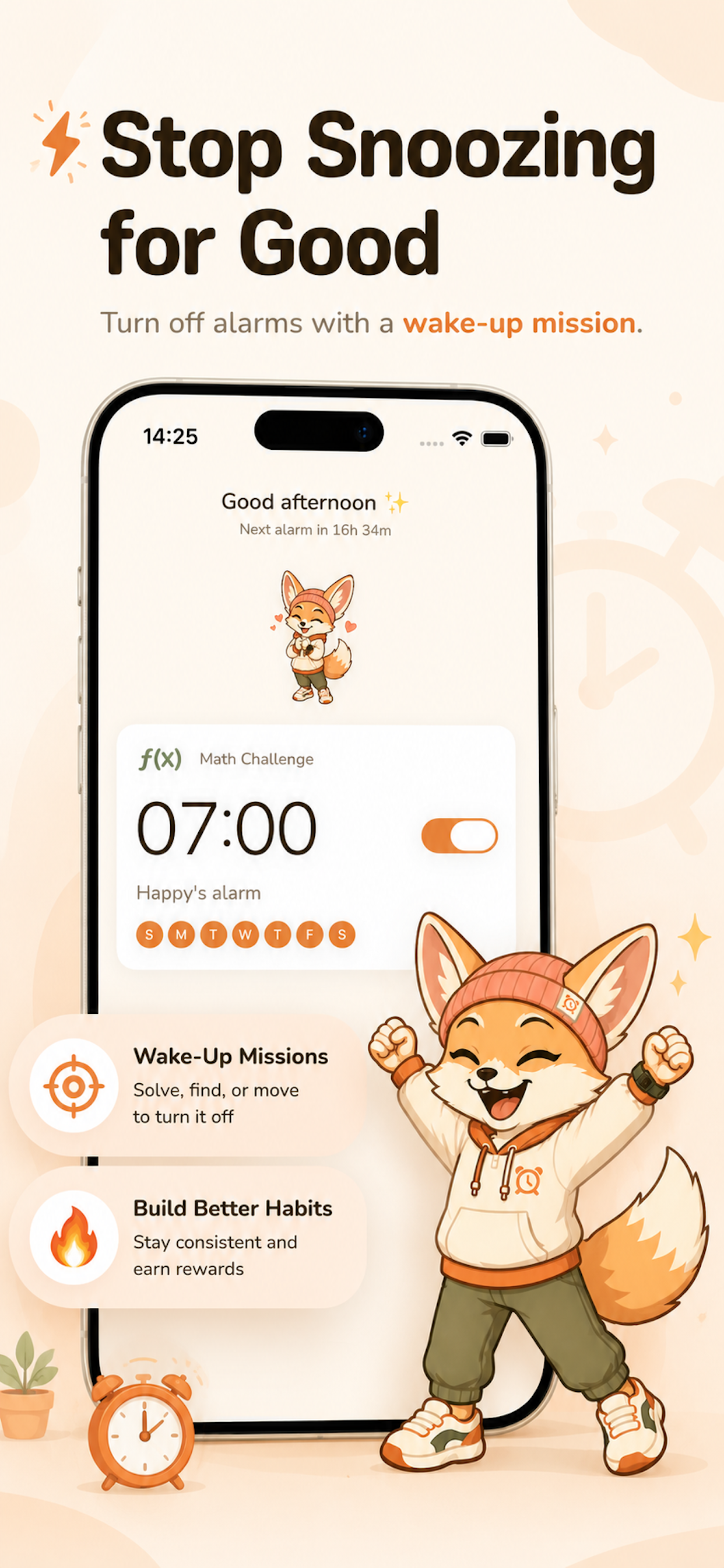
Ryli is a daily alarm app built around wake-up missions. Math when you’re foggy. A shake when you’re sluggish. A photo of the sky when you need a reason to look up. Designed for the mornings that used to win.
For iPhone · Requires iOS 26.1 or later.
the truth
Most adults wake up in light sleep, where your prefrontal cortex — the part responsible for decisions like “should I get up?” — comes back online slowly. That’s why a single tap to snooze feels rational at 6 AM and insane at 8 AM. It’s not weakness. It’s neurology.
Ryli is built around this. Every alarm requires a small physical or mental task to dismiss. By the time you’ve solved a math problem or hunted down a specific object in your room, your brain has woken up enough to make the choice you actually wanted to make last night.
how it works

01
Pick a time, days, and a mission. Easy, medium, or hard.

02
Ryli waits for tomorrow.
No notifications between bedtime and alarm time.

03
No tap-and-go. No snooze trap. You’re up.
the missions
Pick the one that works for the version of you that exists at 6 AM.
Solve problems your half-asleep brain can't fake.
Move your phone — and your body — for 15 seconds.
Open the curtains. Point the camera up. Take a picture of the sky.
Find a specific object in your room. Snap it. Ryli verifies.
We focus on doing one thing well. We’ll consider new missions when we can do them as well as the rest.

the companion
Most alarm apps are tools. Ryli is someone who’s rooting for you.
Ryli is a fox. Not the kind that bites — the kind that sits at the end of your bed, waits for you to wake up, and remembers when you did. Three days in a row? Ryli notices. Tough morning? Ryli’s still there tomorrow. You’re not accountable to an interface anymore. You’re accountable to someone.
honest constraints
We say no a lot. That’s how we stay good at one thing.
questions
Yes. Ryli is built on Apple's AlarmKit — the same system Apple Clock uses — so alarms ring through silent mode and Focus modes automatically. No allow-list to manage, no entitlement workaround. As reliable as your iPhone's built-in Clock app.
No app can. If your phone is fully powered off, no software on it can run — including Apple Clock.
One: alarm permission. iOS prompts you the first time you set an alarm. Without it, Ryli can't schedule a ring. Notifications and other permissions are optional.
No. Your alarms, missions, and streak live on your device. We don't run a server that stores your personal data. See our Privacy Policy for the full breakdown.
Yes. Cancellations happen through Apple's subscription settings, not through us. You'll keep Premium until the end of your current billing period.
Refunds for App Store subscriptions are handled by Apple, not by Ryli. You can request one at reportaproblem.apple.com.
Ryli is iPhone-only. We focus on doing one thing well — we'll consider Android when we can do it as well as the rest.
Because we wanted someone warm, a little clever, and not a dog. Foxes are quiet in the morning. They suit the brief.